Overview
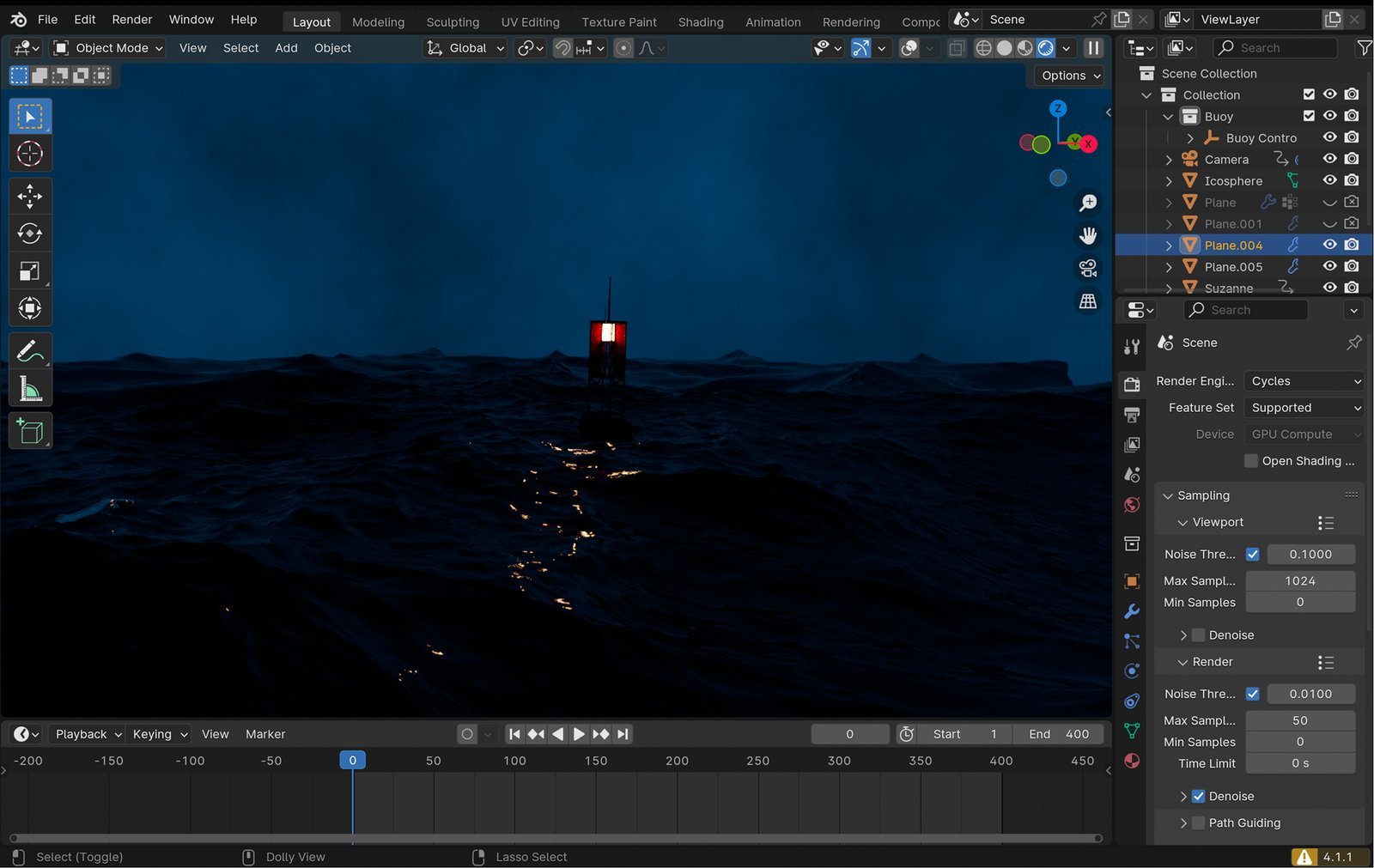
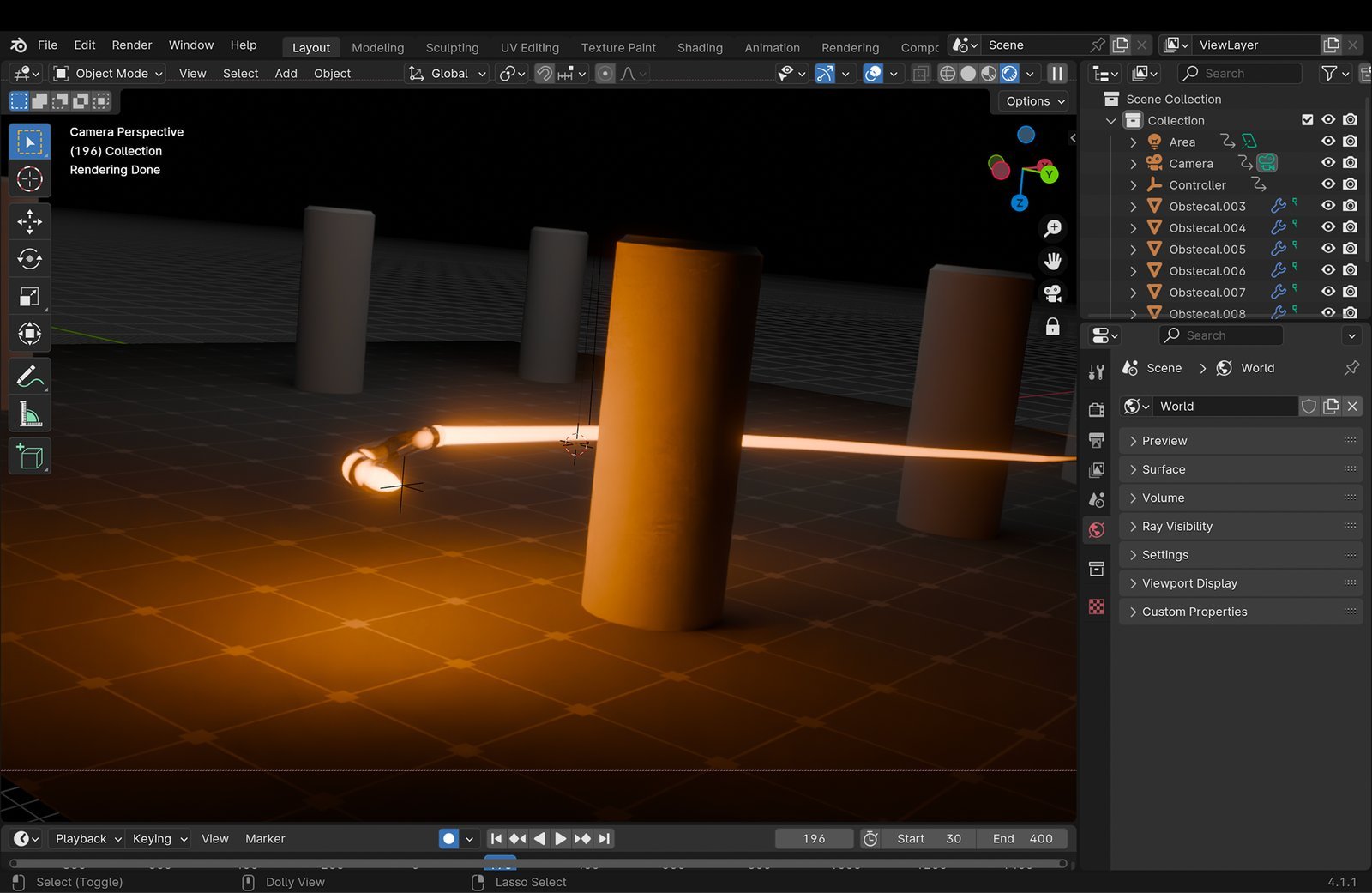
This is a collection of personal Blender projects built to practice different sides of 3D: photoreal product rendering, environment lighting and mood, fluid simulation, and character and vehicle animation. None of this was client work. It's deliberate practice across six different pieces, each one picked to push a skill I hadn't fully explored yet. Scroll down to see all six, straight from my project files.
Problem Statement
I could design in 2D without thinking twice about it, but 3D was a different world. Blender's workflow, the modeling, lighting, simulation, and rigging, all work nothing like the tools I was used to, and I didn't have a real project to learn any of it on. I needed a reason to actually sit down and get good at each piece instead of watching tutorials and never finishing anything.
Challenges
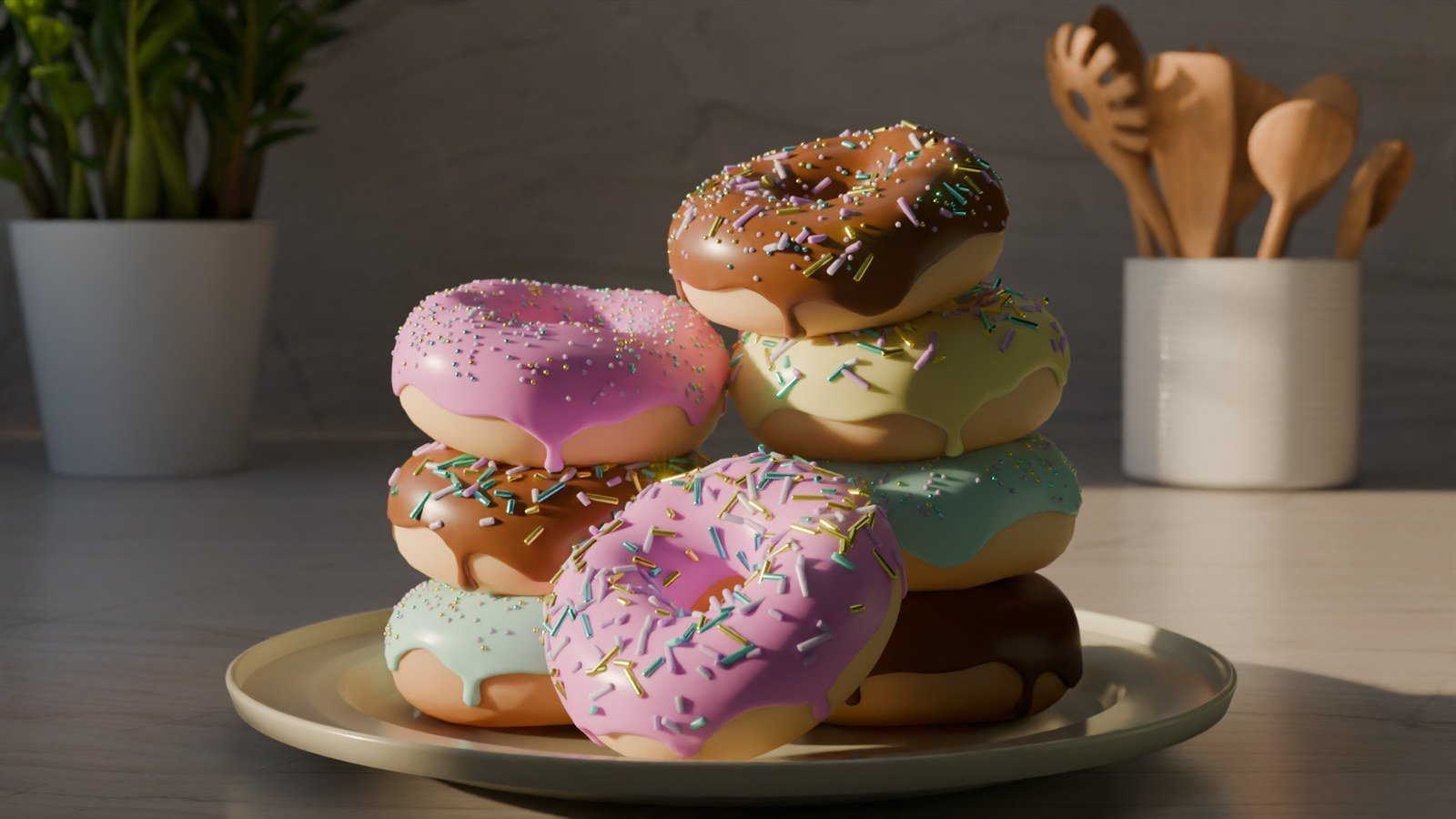
Photoreal lighting and shading look simple in a finished render, but getting materials to read correctly, glass, brushed metal, the glaze on a donut, took a lot of trial and error before anything looked believable instead of plastic.
Fluid and physics simulations in Blender are unforgiving. Small changes to viscosity or force settings could turn a smooth animation into something that looked broken, and every test meant sitting through a long bake to see if it worked.
Rigging a car for animation meant learning an entirely different skill set: parenting wheels to a body, setting up suspension so it moved naturally, and keeping the motion path clean enough to actually animate with.
Every project used a different rendering setup, and switching between settings for a stylized scene versus a photoreal one meant relearning render optimization pretty much every time.
Solutions
Followed a set order for the product renders, blocking out shapes first, then materials, then lighting last, instead of trying to fix everything at once. It made the photoreal look achievable instead of overwhelming.
Ran simulations at a lower resolution first to find the right settings quickly, then only switched to full quality once the motion actually looked right, instead of waiting through a long bake on every single attempt.
Built the car rig one step at a time, wheels, then suspension, then camera path, and tested each piece before moving to the next, instead of trying to rig the whole thing in one go and debugging everything together.
Kept a running notes file of render settings that actually worked for each style, so the next project could start from something proven instead of guessing at render settings from zero again.
Gallery

Key Features
Photoreal Product Rendering
Environment Lighting & Mood
Fluid Simulation
Character & Vehicle Animation
Outcome
Six Projects, One Sandbox
None of this was for a client. It's personal practice across six different Blender projects, each one chosen to stretch a different skill, from product rendering to simulation to animation.
shown here